Build a Car to Go Far UPDATE + Admin Abuse Event Guide
How to spot the live window, prepare your garage, farm boosted rewards, and rebuild after the chaos.
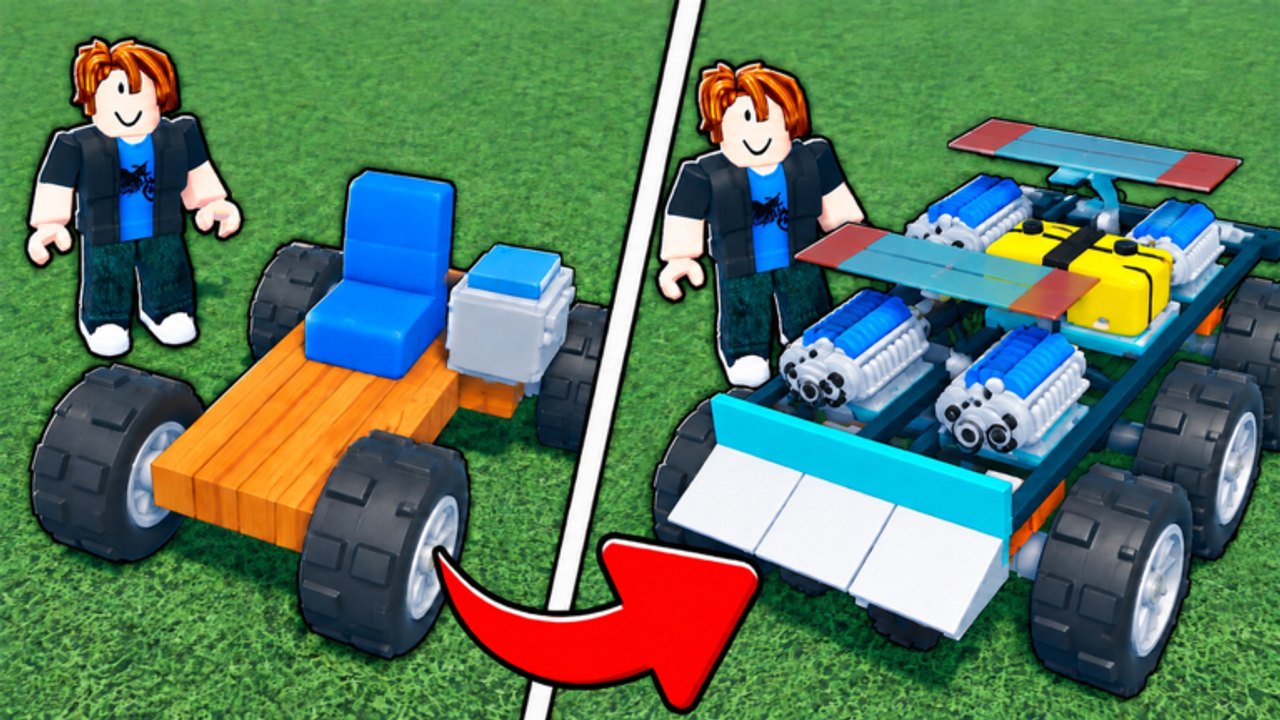
In the Roblox community, admin abuse does not mean someone broke into your account. It means the developers host a live session with boosted rewards, special drops, chaotic fun, and sometimes rule-bending spectacle while they are in the game. For Build a Car to Go Far by Runworks, those windows often ride alongside content patches—especially the November 2026 jet and longer-map push—so players who show up ready walk away with more coins and parts than a normal grind session.
This guide explains what admin abuse looks like in this experience, how to catch the popup, how to prepare, what to do while the window is live, and how to rebuild afterward. Pair it with the Jet Map Update article, keep Codes open for strings like RELEASE, JET, and GOFAR, and treat the Updates Hub as your patch timeline. Schedules shift. Always verify the official Roblox page Social Links or Discord before you clear your evening for a rumor.
What admin abuse means here
Community trackers and the game’s own event banners have used language like UPDATE + ADMIN ABUSE! during live periods. Third-party calendars such as AbuseTime.dev have logged windows labeled UPDATE ADMIN ABUSE!—for example around Saturday, November 21, 2026 near 4:00 PM, with activity sometimes extending toward November 23. In-game popups have also pointed at times such as Saturday, November 21, 9:30 PM with a Notify Me option. Timezones are not always shown clearly, so treat every clock as approximate until you see the live banner yourself.
During these windows the experience title may briefly carry prefixes like [UPD⚙️📦] or similar update tags. That is a soft signal that something is shipping or being celebrated—not a guarantee that admin abuse is running at that exact second. An update drop and an admin abuse session can overlap, follow each other, or happen separately. AbuseTime.dev and similar notes stress that schedules can change and that an update is not always admin abuse.
Live stats around late November 2026 put the game near ~7.7M visits, ~106K favorites, and roughly ~7k playing at busy moments. The experience released on 2026-09-08 (universe 10765718479, place 94998162120172). Busy servers mean more competition for attention and more co-op noise in 10-player lobbies—plan accordingly via the Players Hub.
How to spot the popup and confirm the window
- Join from the official place page, not a random teleport invite. Bookmark destinations on Official Links.
- Watch for an in-game announcement popup that mentions ADMIN ABUSE, an update window, or a Notify Me button.
- Glance at the experience title on the Roblox page for temporary [UPD…] style prefixes during update periods.
- Cross-check Social Links / Discord from the official page. Fan calendars help, but they lag and they guess timezones.
- If nothing is live, do not idle for hours on a rumor. Farm normally with Fast Coins and come back when the banner appears.
Never trust chat links that ask you to “verify” for event rewards. Codes redeem in-game on the left-side Codes UI; they do not require off-platform logins.
How to prepare before the window opens
Treat prep like a short pit stop, not a full rebuild:
- Claim your daily reward as soon as you log in. Day-one value stacks with event luck—walkthrough habits live on Daily Rewards and Getting Started.
- Redeem live codes on Codes. Around update waves, watch for RELEASE, JET, and GOFAR. Confirm each string in-game; gifts expire without ceremony.
- Free inventory and pad space. Sell or store junk parts so special drops have somewhere to go. A full garage mid-event wastes the whole point of showing up.
- Bring a stable car, not your wildest meme chassis. You want something that launches, finishes runs, and can be re-equipped quickly if the admins dump currency or crates. A reliable ground farm or a light post-jet airframe both work; chaos builds that flip on spawn do not.
- Top off fuel and fix obvious mount bugs before the crowd spikes. Mid-event debugging costs studs.
- Invite friends early through the Roblox People tab if you want co-op eyes on drops. Etiquette and pad sharing notes sit on Players.
If the jet and biome map patch is already live, skim Jet Map Update so you understand aircraft crates and longer routes before you spend event coins on the wrong plant.
What to do while the event is live
Stay in a real server for the whole window when you can. Admin-hosted moments are uneven: sometimes reward spam, sometimes showcase builds, sometimes short bursts of boosted economy. Practical habits:
- Keep a run-ready vehicle on the pad so you can convert sudden coin dumps into distance immediately.
- Prefer finishing studs over theatrical crashes. Distance still pays when the boost ends.
- Watch chat for developer cues, but do not follow strangers off-platform.
- Snapshot what you received (coins, crates, odd parts) so you can plan the post-event rebuild without guessing.
- If the lobby is packed near the ~7k concurrent peaks, switch servers only if you cannot interact; otherwise stay put and play the loop you prepared.
Do not assume every update banner equals free Legendary engines. Some sessions are spectacle-first. Your job is to be present, claim what is offered, and bank progress before the window closes.
After the event: rebuild with intention
When the popup disappears and the title prefix fades, stop gambling and start sorting:
- Count coins and open crates with a shopping list, not vibes.
- If jets or aircraft crates dropped during the same week, rebuild light frames and Large fuel first—see Jet Map Update.
- Push surplus currency through efficient routes on Fast Coins instead of buying every Utility vanity piece.
- Re-check Codes once more; update-adjacent strings sometimes linger a day after the live show.
- Return to the Updates Hub for the next dated note so you do not confuse a one-night abuse session with a permanent meta change.
Admin abuse is a bonus layer on top of the normal garage → drive → upgrade loop. The players who gain the most already had dailies claimed, codes redeemed, and a car that could finish a run before the Notify Me toast appeared.
Trust and schedule warnings
- Times listed by trackers (Nov 21 ~4:00 PM, popup 9:30 PM, windows through ~Nov 23) can slip or cancel.
- Timezone labels are often missing; convert carefully for your region.
- Update ≠ always admin abuse. Content can ship quietly; abuse can run without a full patch.
- Confirm on the official Roblox Social Links / Discord, then play. This wiki is a fan resource, not Runworks support.
Show up prepared, leave with a fuller wallet, and let the longer map and jet meta do the rest of the work after the live chaos ends.
Frequently Asked Questions
Quick answers about builds, codes, and Parts Shop prices.
What is admin abuse in Build a Car to Go Far?
It is a developer-hosted live session with boosted rewards, special drops, or chaotic fun—not account hacking. Schedules change; confirm on the official Roblox page.
How do I know when an admin abuse window is live?
Watch for in-game UPDATE + ADMIN ABUSE popups or Notify Me prompts, temporary [UPD] title prefixes, and announcements on official Social Links or Discord. Fan calendars are secondary.
When was the November 2026 admin abuse window reported?
Trackers noted UPDATE ADMIN ABUSE activity around Saturday, November 21, 2026 near 4:00 PM, with related windows into about November 23. An in-game popup also referenced Saturday November 21 at 9:30 PM. Times can shift.
How should I prepare before the event?
Claim your daily reward, redeem codes such as RELEASE, JET, and GOFAR if live, free pad and inventory space, and bring a stable car that can finish runs quickly.
Is every game update also admin abuse?
No. Updates and admin abuse sessions can overlap, follow each other, or happen separately. Always verify the live banner instead of assuming a patch equals boosted rewards.
What should I do after the event ends?
Sort new coins and crates, rebuild with jet and map guidance if those systems are live, farm efficiently, recheck codes, and follow the Updates Hub for the next official note.