Build a Car to Go Far Guides Hub
From daily rewards and zone unlocks to helicopters, jets, and record studs.
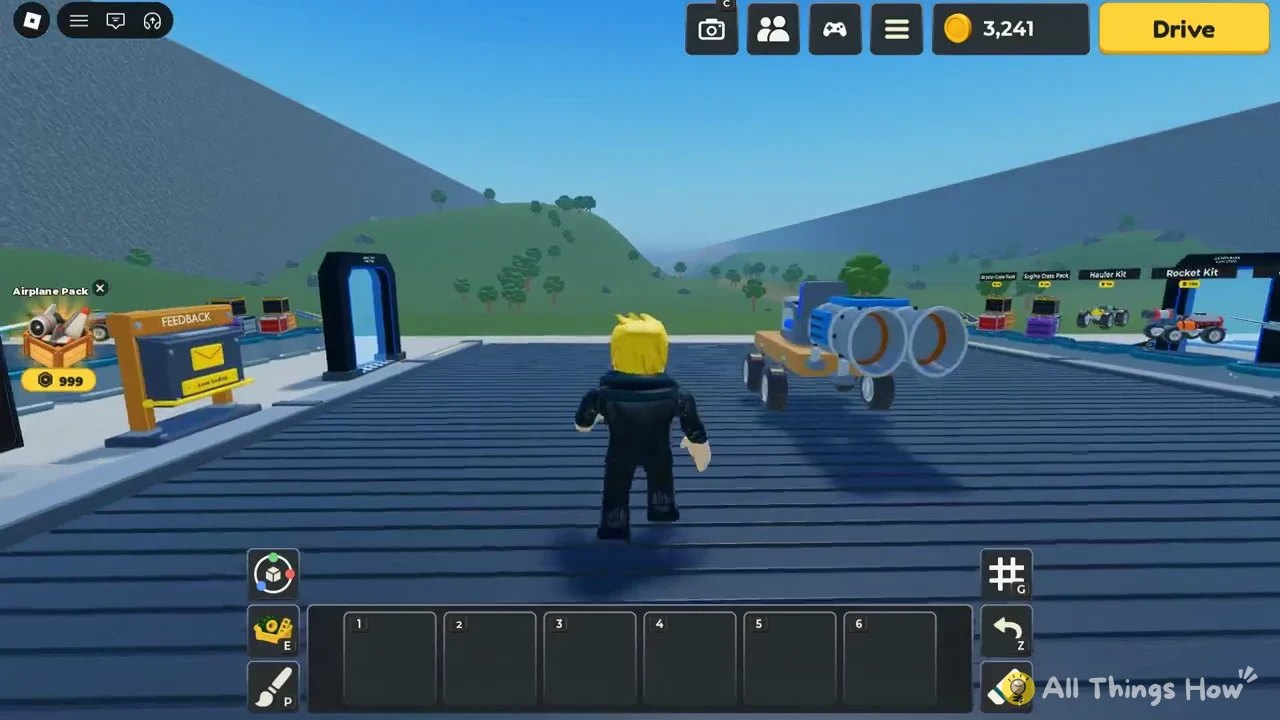
Welcome to the Guides Hub for Build a Car to Go Far, the Roblox vehicle sim by Runworks. The loop is simple on paper: build a car on your pad, drive for studs, earn coins, then upgrade parts and go farther. In practice, early mistakes — wrong tire mounts, no fuel tank, or buying wheels before capacity — waste hours. These pages turn that loop into a clear plan for day one, mid-game farming, and late-game flight.
Servers hold up to 10 players, and you can co-op with friends on the same map. Offline earnings keep ticking while you are away, so a solid farm build pays even between sessions. The game sits past 7.7M+ visits and 106K+ favorites, so patch windows and Admin Abuse events move fast — use this hub as your map of the wiki.
Start here if you are new
If you just joined, open Getting Started first. It covers claiming the daily reward, opening the free DELIVERIES Performance Booster Crate (Sport Rocket with about +60% boost), attaching that rocket rear-centered, and completing your first drive. From there it walks you through the ~615-coin wooden car (Reinforced Wood Plank, four Road Tires, Small Fuel Tank) so you stop relying on the fragile starter kart.
Pair that with Daily Rewards for the full seven-day login table (coins plus Legendary Sport Rocket and Compact V8 days) and Controls so A/D steering, W or Space for gas, S or Ctrl for brake, Shift boost, and E to exit feel natural before you chase Redstone Canyon.
Build better vehicles
How to Build is the assembly deep dive: chassis layout, mounting tires on the side of the frame (not the top), fuel placement, symmetry, and a practical warnings table for flips, stalls, and wasted thrust. Keep early builds light; heavy decoration before a real engine is a common coin sink.
When you are ready for the air update, read Plane and Jet for fixed-wing and jet crates, then Helicopter for rotors, tail rotors, and landing skids. Aircraft crates, propellers, and jets change how you cross biomes — but jets drink fuel fast, so large tanks are mandatory.
Zones, distance, and coins
Zones and Unlocks explains shop locks at Canyon 3,500, Pine Forest 11,200, and Cliffs 23,780, plus milestone board numbers like Redstone Canyon ~3,590 and River ~9,300. Max Distance focuses on record setups and upgrade priority. Fast Coins covers offline earnings, Delivery crates, and efficient farming routes.
Cross-wiki links worth bookmarking
- Redeem gifts on Codes before they expire.
- Compare engines and parts on the Tier List Hub and Parts Shop.
- Track jet, propeller, map, and event changes on Updates.
Suggested reading order
- Getting Started — day-one checklist and wooden car.
- Daily Rewards — seven-day login value.
- Controls — PC and mobile habits that save runs.
- How to Build — balance, mounts, and shop priorities.
- Zones and Unlocks — Canyon, Pine Forest, Cliffs.
- Fast Coins — fund fuel and crates faster.
- Max Distance — canyon and river goals.
- Plane and Jet and Helicopter — flight after fuel is ready.
Whether you want a stable ground farm, a helicopter pad toy, or a jet that clears new biomes, start with the matching guide above, finish every run instead of crashing for “speed,” and reinvest coins in the order that actually raises studs per minute.
Frequently Asked Questions
Quick answers about builds, codes, and Parts Shop prices.
Which guide should I read first in Build a Car to Go Far?
Start with Getting Started for the daily claim, free Performance Booster Crate, first drive, and wooden car. Then read Daily Rewards, Controls, and How to Build before spending big on crates.
Do these guides cover flying, jets, and helicopters?
Yes. Plane and Jet covers aircraft crates and jet fuel needs. Helicopter covers rotors, skids, and vertical builds. Max Distance and Zones and Unlocks explain when flight parts unlock.
Where do codes, shop prices, and engine rankings live?
Promo codes are on the Codes hub. Full shop tables sit on Parts Shop under Tools. Part rankings sit on the Tier List Hub. Patch and event notes are under Updates.
Is co-op supported?
Yes. Servers support up to 10 players and you can build and drive with friends. Offline earnings also continue while you are away from the experience.